
nnok Product Guide
nnok Games — Live Table, Slots/Arcade and Crash Section
The work of the nnok Games page is to help read three types of game screens: Live/Table, Slots/Arcade, and Crash. In each section, the roles of title, rules, round state, control, and history change. First, match the category, then choose the next step according to the visible information panel. Separate paths for sports events and markets are also included in this map.
How to choose the correct section in nnok Games
Look for the Live, Table, Slots, Arcade, or Crash label in the Menu or category tab. If the same title appears in the search results, match its category, variant, and Rules/Info panel.
| Category | Main screen | Read first | When to stop |
|---|---|---|---|
| Live/Table | table or stream, round window | variant, rules, open/closed state | If the rules or current round are unclear |
| Slots/Arcade | reels/grid and feature panel | layout, control, feature trigger | If you do not understand the bet field or feature rule |
| Crash | multiplier and fast state | ready/running/stopped, history | If the current state feels stale |
| Sports | event and market list | competition, time, market, status | If the event/market label does not match |
Live/Table: table, rules, and round state
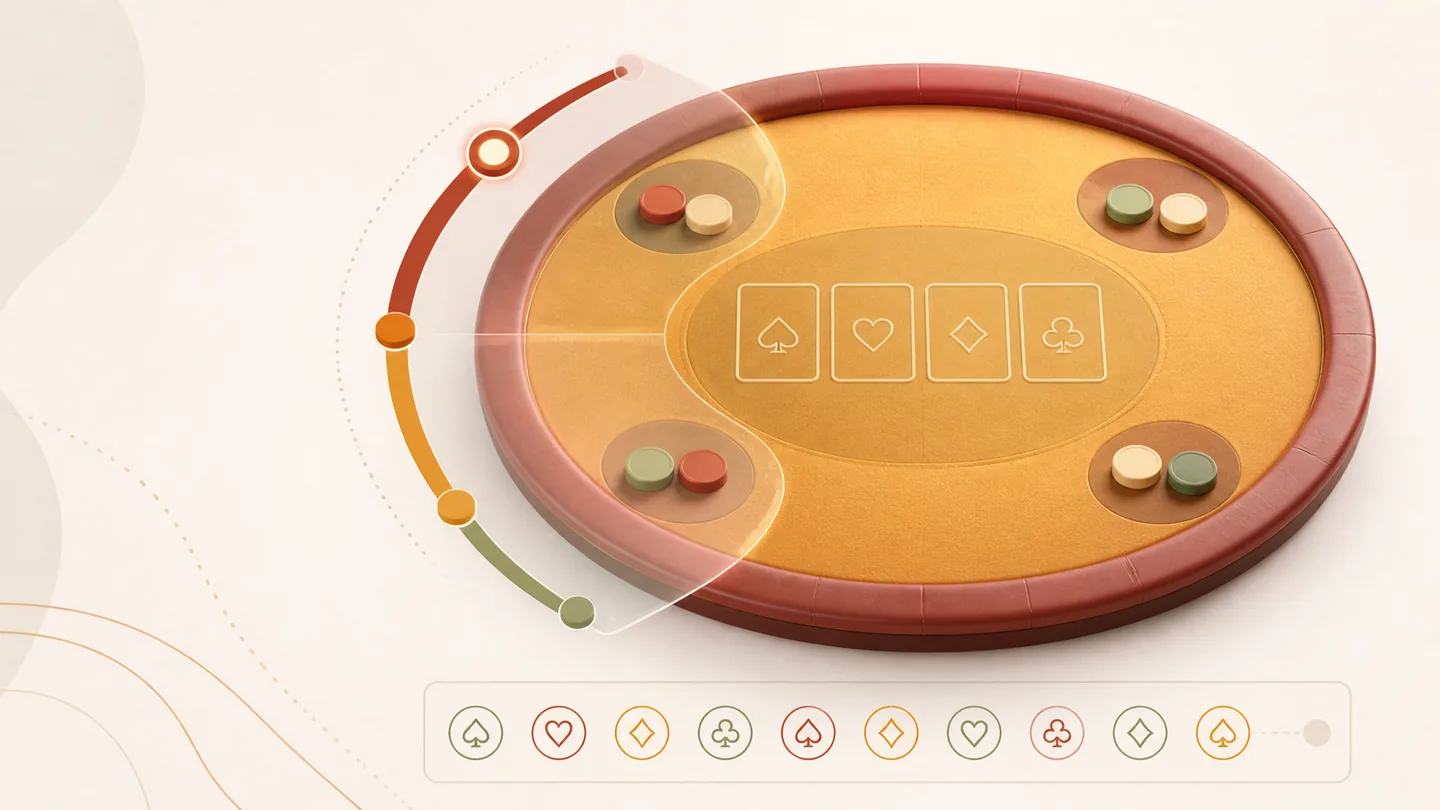
The Live label usually refers to a running table or stream-based presentation; a digital table can display similar rules on the software screen. In the Live/Table section of nnok Games, first look at the category title, then the table or variant name, and finally the current round status. Even if the name is familiar, the variant's action window, option, or result display may not be the same.
- Identify the VariantWrite down the visible label as Live, digital, classic, or other.
- Open RulesRead the definitions of round order, action window, and result.
- Check the Current stateMatch ready/open, closed, dealing/running, or result—whichever is ongoing.
- Separate HistoryThe previous row is not an indication of the current round; read it only as a record.
If there is a stream, the video may lag a bit, but the status field may refresh at different times. So, read the current round label and timestamp together, not the animation.
Slots/Arcade: information panel outside the theme
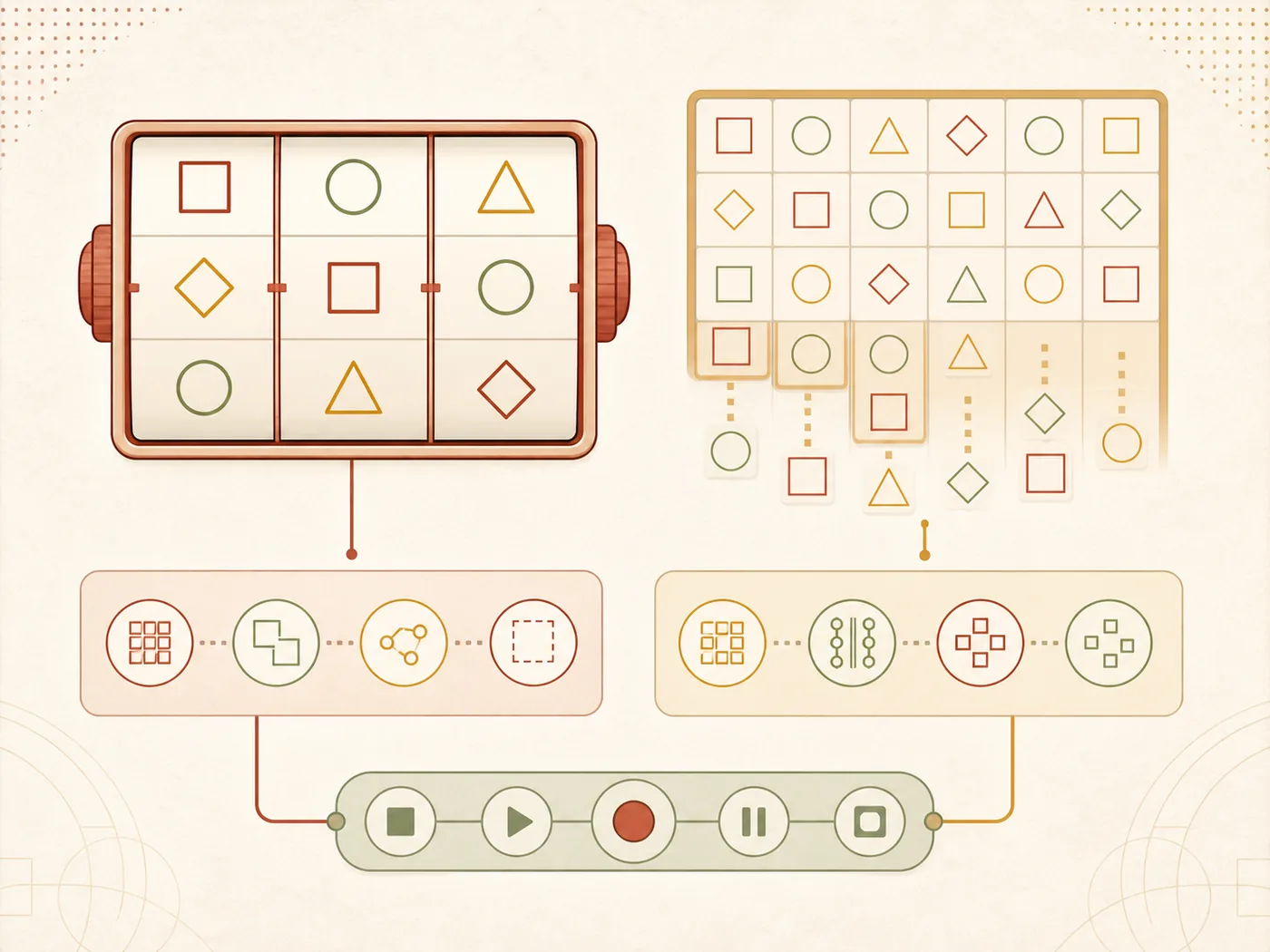
In the nnok Slots/Arcade list, cover, title, or theme may catch your eye first, but to understand a game, reels/grid, line/way, feature, control, and current bet field are more important. Open the title from the search or category list and look for the Info/Help panel. If there are visible symbol rules, feature triggers, or round-end conditions, follow those.
- Match whether the Title and category are the same; variants with the same name may differ.
- Read the Grid/reels and active line/way label; do not assume a familiar layout.
- Before submitting, see how the amount field changes if the bet control changes.
- If there are Auto, bonus, or feature labels, read the starting conditions and stop control separately.
- If you see a blank tile or incomplete panel after loading, fix the page state before starting a new round.
There is no permanent “best” title, RTP, or maximum multiplier list here. The language and control of the current Info panel are a reliable pathway to understanding a title.
Crash: ready, running, stopped, and history
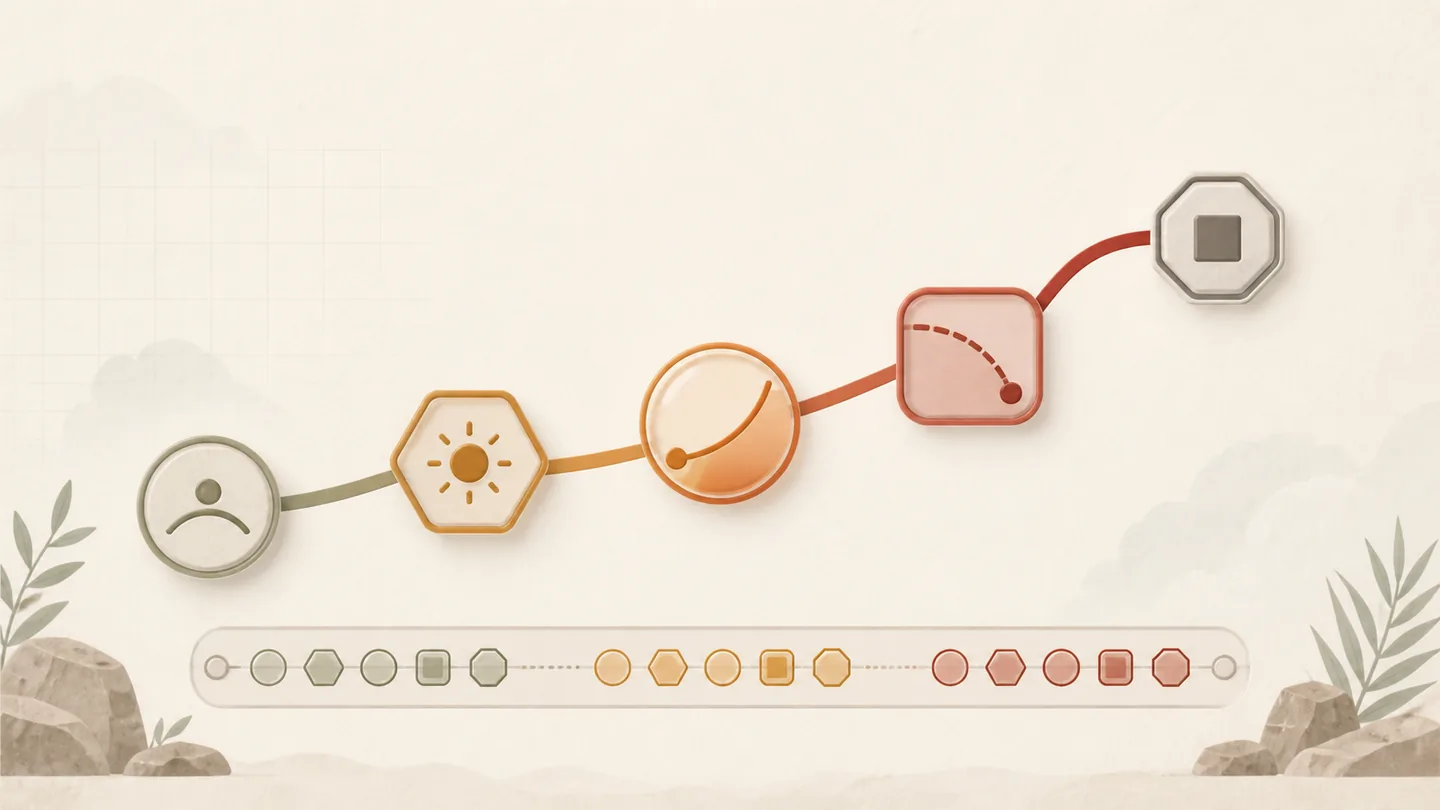
In the Crash screen, the multiplier increases rapidly and the round suddenly goes into a stopped state. The first task in this section of nnok Games is to separate the current round and history. Ready means preparation for the next round, Running means the multiplier is active, and Stopped/Result means the round is finished. Do not repeat any actions until a new state or timestamp is seen after reconnecting if the screen remains old.
| রাজ্য | What you will see | Avoid misinterpretation |
|---|---|---|
| প্রস্তুত | countdown or next-round label | Do not consider the previous stopped value as current |
| চলমান | Ongoing multiplier and active indicator | Do not consider the history row as live result |
| থেমে গেছে | End point, result and new history row | Do not take the next result from the previous pattern |
| লোড হচ্ছে/পুনঃসংযোগ | Network notice, refreshed timestamp | Do not send the same request again |
Fast round does not mean fast confirmed result. Set time and budget limits before starting; if the current state is unclear, go to Help or Mobile troubleshooting.
Order of reading game information on mobile screen
On small screens, menu drawer, title, status and action control may not be visible together. Maintain a fixed order.
| Step | What to do | Why |
|---|---|---|
| ১ | See category heading | Prevents Live, Slots and Crash from mixing |
| ২ | Read the full Title/variant | Distinguishes different screens with the same name |
| ৩ | Open Rules/Info panel | Confirms visible rules |
| ৪ | Match current state and timestamp | Identifies stale screen |
| ৫ | Check history later | Keeps old record and current round separate |
When the page partially loads five steps if mobile page does not open Follow.
Questions about nnok Games
How to distinguish between Live and digital table?
Check Live/stream label, table name and round presentation. The digital variant may have a software-rendered screen. In both cases, the Rules panel is based on the current variant.
What to do if the same game title appears twice?
Combine category, variant label, Info panel and current state. Do not assume the same game just by looking at the cover image.
Does Crash history indicate the next result?
No. History is a record of the previous round; it does not confirm the next multiplier or stop point. Read the current ready/running/stopped state separately.
Is Sports the same information system as Games?
No. In Sports, event time, competition, market and status are primary. See the guide for reading cricket and football markets।
Where to go if the game screen freezes?
Note current status and timestamp Mobile troubleshooting See; do not send the same action repeatedly.
Next guide
For cricket or football event Guide for reading cricket and football markets And for small screen or slow network Steps to read information on mobile screen See.