
nnok Bangladesh Guide
nnok Bangladesh — Full introduction to games, sports, mobile, and accounts
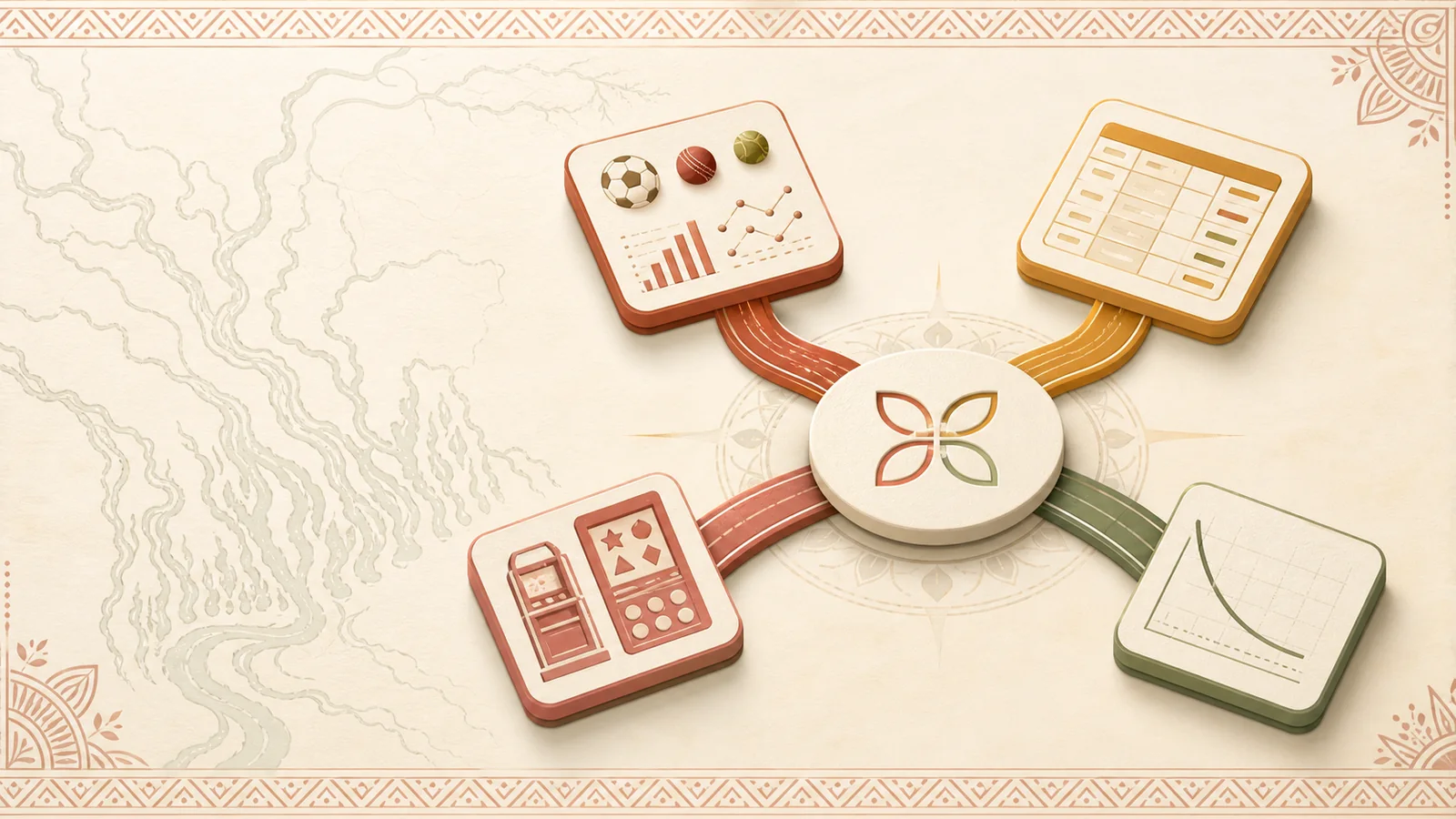
nnok is a brand name associated with online sports betting and casino gaming among Bangladeshi users. Its content features four main categories: Sports, Live/Table, Slots/Arcade, and Crash. This page organizes the brand's scope, differences between categories, mobile usage, registration–login, payment status, and the correct page for problem-solving together.
What information are you looking for?
Choose a guide that matches your work. Each link goes to a separate explanatory page of this site.
| Your questions | Which will be resolved | Guide |
|---|---|---|
| How do Live, Slots, or Crash differ? | Compare speed, rules, rounds, and information panels | Differences between Live, Slots, and Crash categories |
| Which version is usable on the phone? | Differences between mobile website, PWA, and APK | Mobile usage guide |
| What is needed before new registration? | Information, required mark, OTP, and submit status | View registration preparation |
| Can't access? | Identifier, password, OTP, session, and recovery | View login problem resolution |
| Having trouble understanding any status or error? | Question-based decisions and next steps | nnok assistance according to questions |
What is nnok and what do Bangladeshi users look for
The name nnok appears with Sports, Live/Table, Slots/Arcade, and Crash content. Therefore, someone searching for this name may not have the same goal. New readers want to understand the brand's scope and categories; returning users look for the meaning of Login, OTP, or any status; phone-centric readers want to know the differences between website, PWA, and APK; and when stuck at any step, a small decision path is needed.
To know products, there are Games and Sports, Mobile for devices, Register for the first time, Login for returning, and FAQ for understanding errors or payment status. The function of UI words like Login, OTP, Pending, Live, or Crash is explained alongside the Bengali sentences. View the complete map of nnok games।
nnok at a glance
The main topics and user tasks seen repeatedly on the pages are listed together below.
| Reader's language and context | Bengali (Bangladesh); familiar UI words in English as needed |
|---|---|
| Main product categories | Sports, Live/Table, Slots/Arcade, and Crash |
| Center of play | Cricket and football in Sports; round, rules, features, and history in other categories |
| Mobile version | Concepts of responsive website, PWA, and Android-based APK |
| Account functions | Understanding registration preparation, OTP verification, Login, recovery, and session |
| Status functions | Matching payment method, currency, amount, reference, timestamp, and current status |
Main products and content categories of nnok
Although the four categories are in the same menu, the flow of information and main fields are different. Recognize categories by combining screen heading, current state, and help panel.
Sports: event and market
In Sports, cricket/football, competition, event time, and market label appear. Pre-match information before the start; Live/In-play ongoing state. Read team, market question, selection, and status together. Cricket and football market guide See.
Live/Table: rules and rounds
In Live/Table, the title, rules, action window, round state, and history are primary. The rules for Live and digital variants may differ; read the Rules/Help first, then the current round and history.
Slots/Arcade: layout and feature
In Slots/Arcade, see the reels/grid, line/way, feature trigger, control, and current bet field outside the theme. Do not assume rules from familiar titles without the info panel.
Crash: rapid multiplier state
In Crash, the ready, running, and stopped states change quickly. History shows the previous round, not the next result; check the current state and your time/money limits first.
Live/Table and Crash: two different usage paths
When opening Live/Table, read in what order
- Match Table and variantCheck the title, Live or digital label, and rules link.
- Recognize the round windowRead the current state like ready, open, closed, or result.
- Check the Rules and limit panelDo not assume from familiar names without visible rules and control.
- Keep history separatePrevious results are not information for the current round.
If there are multiple tables, read the Rules panel by matching title and variant, then go to the current round. Open the Live/Table information path।
What state will you see when opening Crash
In Crash, ready means preparation, running is the ongoing multiplier, and stopped is the final point. Do not resend actions until the current status and new timestamp match after reconnecting. View Crash round and history steps।
In Live/Table, rules and round window; in Crash, rapid state is key. Decide your goal—learning the rules or understanding the current state—first.
How to find information, menu, and status
Not all information is on one screen. View the roles of menu, category, account area, and history separately.
| What you are looking for | Where to look | What to match | Next step |
|---|---|---|---|
| Product or event | Main menu and category tab | Sports, Live, Slots, Crash, or event heading | Open the relevant category page |
| Specific title | If there is a visible search or list filter | Full name, provider/variant label, and category | Read the Rules/Info panel |
| Account functions | Login/Register or profile/account label | Identifier, required mark, verification state | Get the Register or Login guide |
| Previous work | Activity, History, or Transaction list | Reference, timestamp, amount, and status | Save the current row |
| Ambiguous error | Visible message and last successful step | Network, session, validation, or payment branch | Use the Help decision tree |
What changes when switching sections
In Sports, event time and market status; in Live/Table, rule and round; in Slots/Arcade, layout and feature; in Crash, ready/running/stopped state are key. The same “Live” can refer to events in Sports and streams in Table. Therefore, match competition/market in Sports, variant/rules in Table, grid/feature in Slots, and current state in Crash. Details Games ও Sports Guide।

Mobile-first usage in Bangladesh
On a small screen, you can see Login, OTP, Pending, Live, Crash, or History next to the Bengali instructions. Read the heading first, then the current status, and finally the action button; not just the color or icon.
The currency information can be BDT, ৳, or money. Match the currency, method, reference, and timestamp before the number. Do not assume a specific method, minimum, or processing time as permanent.
Time zones are important for cricket and football events. Check if the event time matches Bangladesh time and if the Live label is current. If the network fluctuates, the page may partially load, show a stale state, or have delayed OTP. Before resending the same request, check the activity/history and the new timestamp. Event and market stages of Sports and Mobile stages of slow networks See.

Mobile website, PWA, and APK
A mobile website is a responsive page within the browser. PWA is a web experience added to the home screen from a supported browser; it may not be a separate store package. APK is an Android install package, so it does not run on iPhone/iPad. Distinguish how any screen presents itself from the browser bar, install prompt, home-screen entry, and device settings.
Storage and install permissions on Android may be relevant for APK; browser storage and cache are important for PWA. Check the browser or supported home-screen web path on iPhone. If the network is slow, check page loading, cached content, and session state without assuming a new package or version. This site does not provide any APK file or download address. See the complete differences between Mobile website, PWA, and APK।
Paths for registration, login, and OTP
- Prepare informationKeep your controlled phone/email, a separate password, correct device time, and the same spelling of your name.
- Read the visible formFill in the field label, required mark, format hint, and consent text together.
- Verify OTPCheck masked contact, code source, expiry, and resend timer.
- Distinguish between Success and errorNote confirmation, validation error, or last successful step after submission.
- Log in when you returnMatch the password/session error using the identifier that the form requires.
- Take recovery if neededUse only the recovery branch present on the screen; open Help according to the error.
If it's your first time Preparation for registration and OTP steps, and if you have submitted information before Steps for login and recovery See.
Rules for reading payment status
To understand a payment row, match not just the amount or color, but all identity fields in the same row.
| Field | What it means | How to match |
|---|---|---|
| Method | The selected method on the current screen | Match with the label of the task you performed |
| Currency and amount | BDT/৳ and number | Check if there is a decimal, fee, or different currency |
| Reference | Identification of the specific task | Copy and identify the same row |
| Timestamp | When the status was created or changed | Check the device time and timezone |
| Pending/Completed/Failed | Ongoing, completed, or failed status | Recheck the current status in activity/history |
Pending means the task is not yet finalized as Completed or Failed. Save the reference and current status before resending the same request. Understand Pending, Failed and Completed status।
The correct next page for your status
| Your status | What you will see first | Next Page |
|---|---|---|
| New user | Required information, field, OTP and success state | Registration Guide |
| Mobile user | website/PWA/APK, storage, small screen and slow network | Mobile guide |
| Returning user | identifier, password, session and recovery | Login Guide |
| Stuck at any step | visible error, last successful step, reference and timestamp | nnok assistance according to questions |
How to review and correct information
The review date is shown on each main page. In editing, nnok's visible category, UI label and user actions are kept separate; variable amount, version, time or offer are not written as permanent information. If any sentence seems old, note the URL, section heading and reason for correction. Not identity or payment data. Details See editing procedure।
Common questions about nnok
What is nnok?
nnok is a brand name associated with Sports, Live/Table, Slots/Arcade and Crash content among Bangladeshi users. This site explains those categories and usage paths in Bengali.
What are the main game and sports categories of nnok?
Cricket and football event/market in Sports, and Live/Table, Slots/Arcade and Crash in Games are primary. See the differences between the categories।
What should I prepare before registration?
Keep your phone/email access, separate password, correct device time, stable network and identity information with the same spelling ready. See the Register step।
What should I see first if nnok login fails?
Check if the Form is asking for phone, email or username and read the password and visible error. Then Choose branch according to login issue।
Are mobile website, PWA and APK the same?
No. The website runs in a browser, PWA is a web experience added to the home screen, and APK is an Android install package. Compare mobile versions।
Can I download APK from this site?
No. There is no APK file or download link here. To know which mobile version runs on which device See Mobile forms।
What should I do if OTP is delayed?
Check masked contact, network, device time, code expiry and resend timer; do not send the old code repeatedly. Take the OTP verification step।
What does Payment Pending mean?
Pending means the status is not yet finalized as Completed or Failed. Keep reference, amount and timestamp See Payment status step।
Should I resend the same action on a slow network?
Not immediately. First, check activity/history, current status and new timestamp; then Follow five steps if the mobile page does not open।
How to report if information seems incorrect or old?
Write down the URL, section heading, incorrect sentence and reason for correction; do not provide password, OTP or payment data. Correction procedure On the About page There is.
Limits on information usage
No account, payment or download is completed on this independent Bengali information site. Content is not for those under 18; set time and monetary limits beforehand and verify rules and local applicability yourself. Read the terms of use।